View Configuration Options
The graphile CLI tool which can be used to view both
the available options, and also your resolved configuration.
Viewing the available options
Once you have a basic configuration file, you can use the graphile CLI to
find out what options are available to you:
graphile config options
The graphile CLI is a development aid
The graphile CLI is a development aid only, and is not needed at runtime or
in production (or in development really, it’s just a handy little helper).
Note that the options available will be influenced by the modules that you are using, so be sure to import any plugins and presets at the top of your config file.
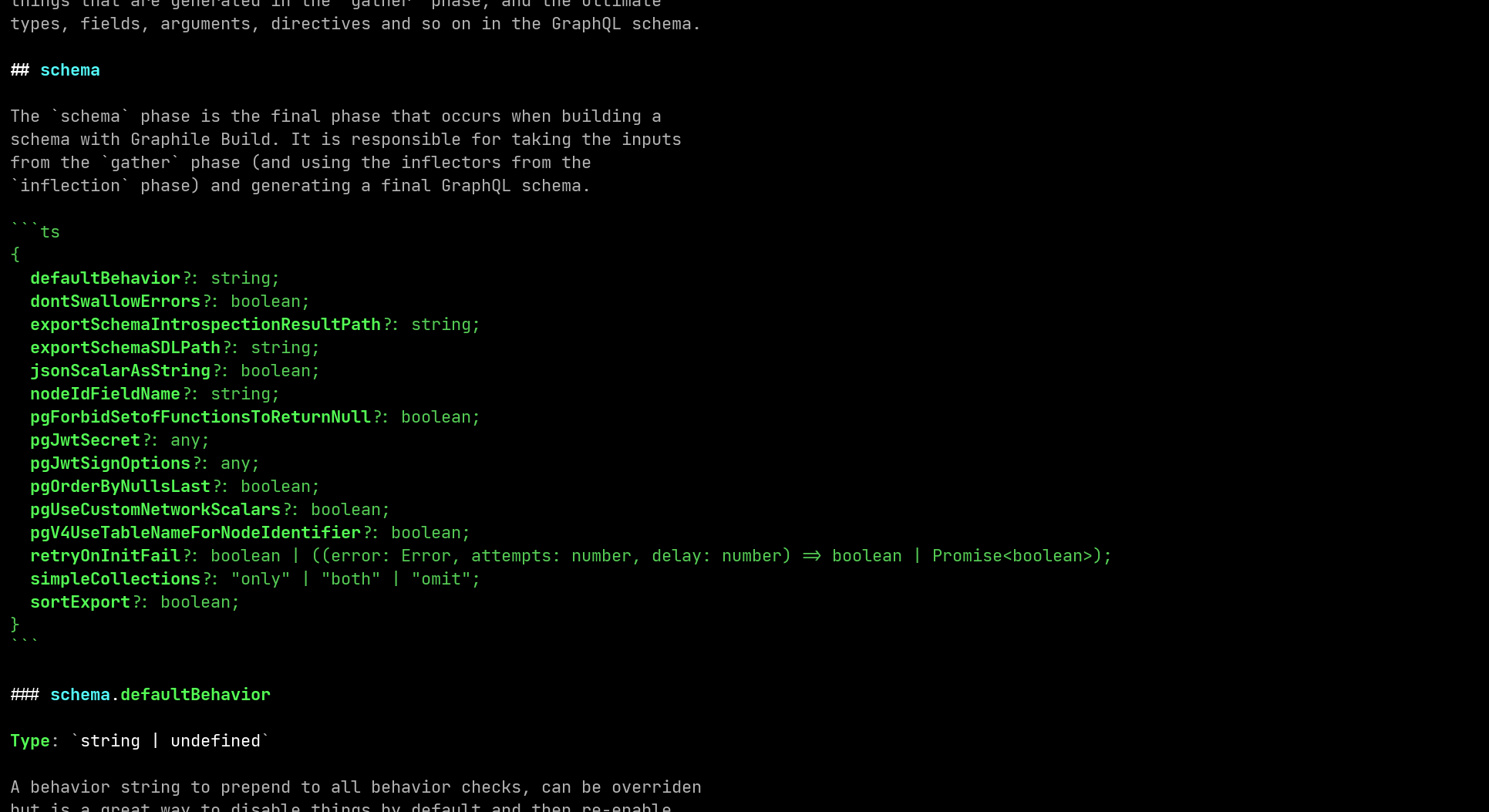
graphile config options showing the options available to be set inside the config file.Viewing the resolved configuration
You can also use the graphile CLI to print out your resolved configuration
(once all the presets have been applied). This can help with debugging:
graphile config print
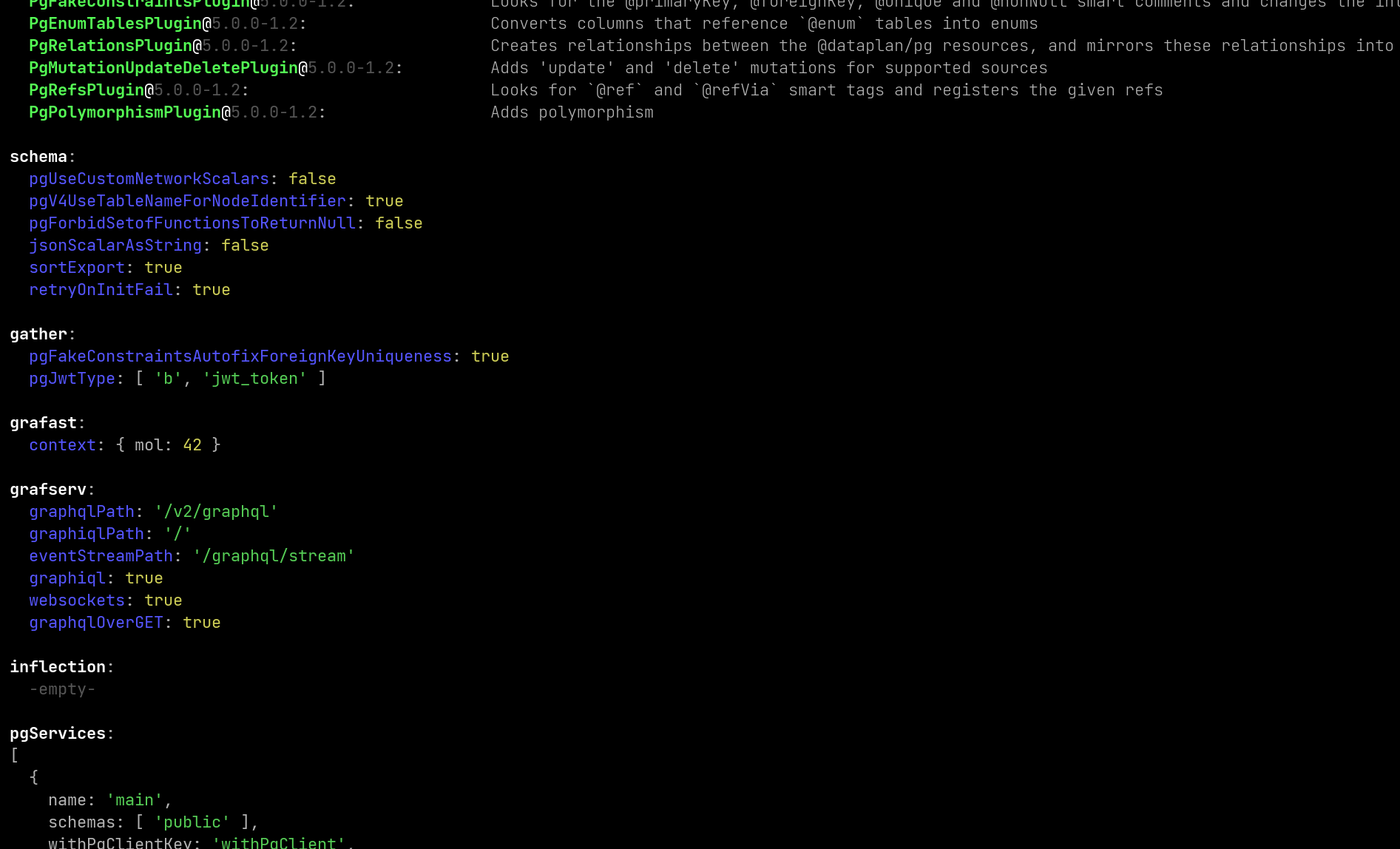
graphile config print showing the options that the local configuration file is using.